
Keep the software of your iCombi Pro, or iVario Pro up to date. This allows you to benefit from new features, enhanced security and optimised performance (depending on the unit, version and operating environment).
Advantages of free RATIONAL software updates:

The free updates are easy to install and can be carried out manually, or fully automatically via the ConnectedCooking digital kitchen management system.
Manual updates.
Do you prefer to update your software manually? No problem!
With the RATIONAL Updater
you can carry out updates yourself at any time.
Whether you are the chef, owner, cook or service technician. With the free RATIONAL Updater app, you or your staff can easily update the software on your RATIONAL cooking systems* . Here’s how it works: > Download the app from the AppStore > Find and download an update > Connect your smartphone to the cooking system via a hotspot > Transfer. > Done. These instructions explain step by step how to update with the RATIONAL Updater (pdf, 0.62 MB) .
* Only available for iCombi Pro, iHexagon and the iVario (except iVario 2-XS without WiFi).
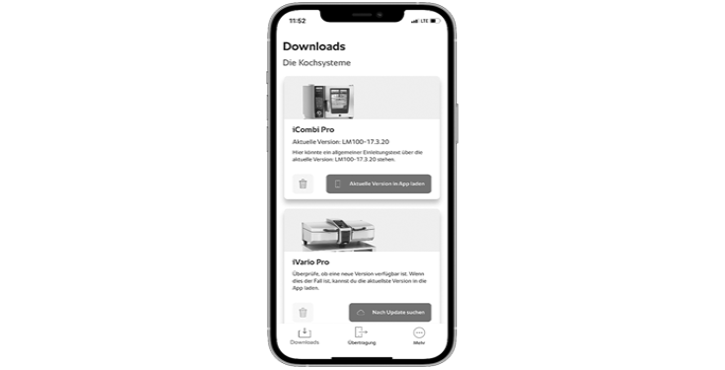
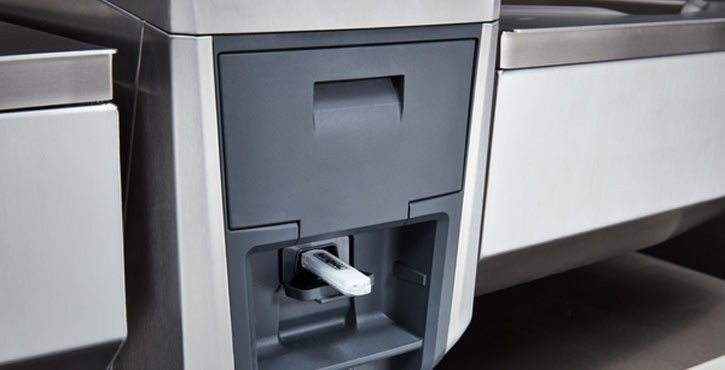
Current software versions for your RATIONAL units.
Current software versions for your RATIONAL units.
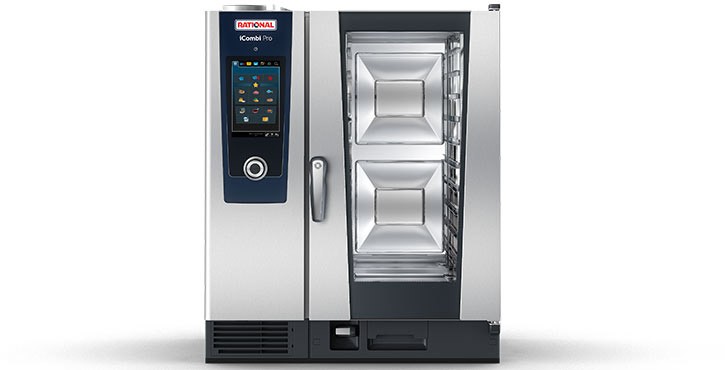
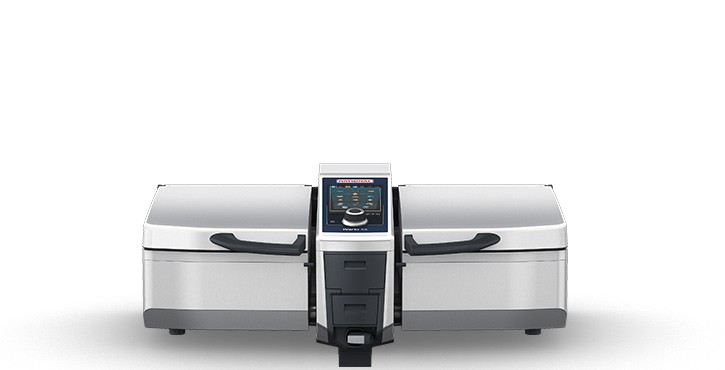
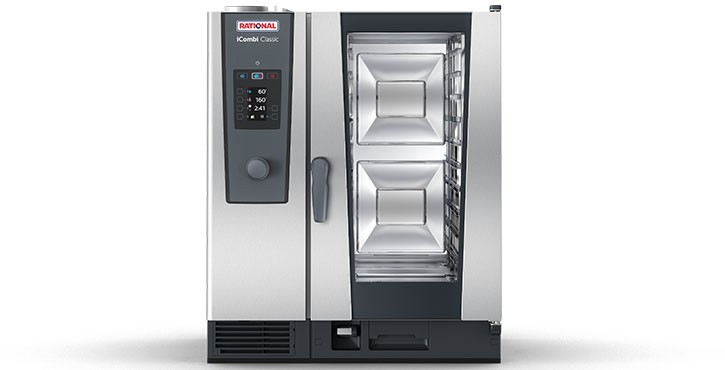
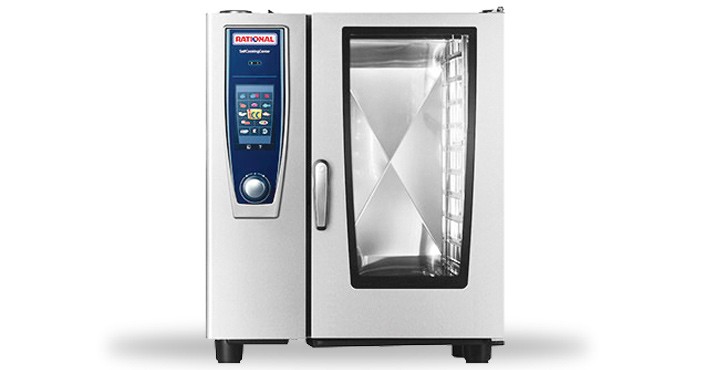
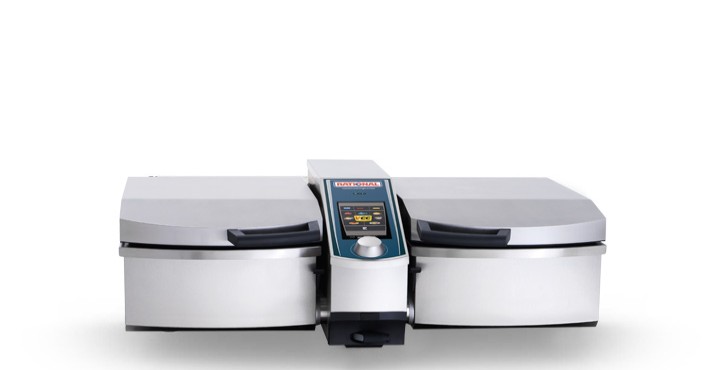
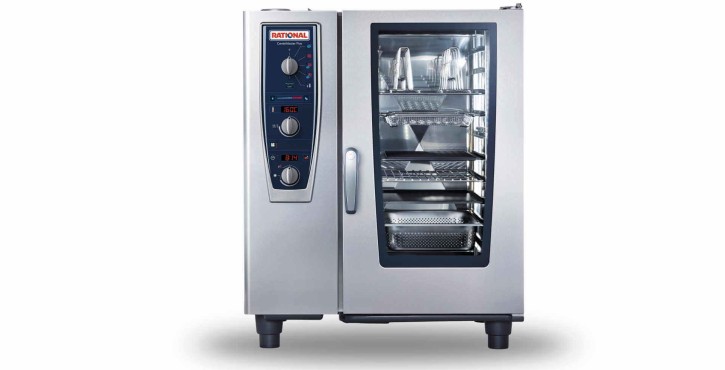
FAQs - Software update.
Below you will find important questions about the different ways to update the software on your cooking system.
General.
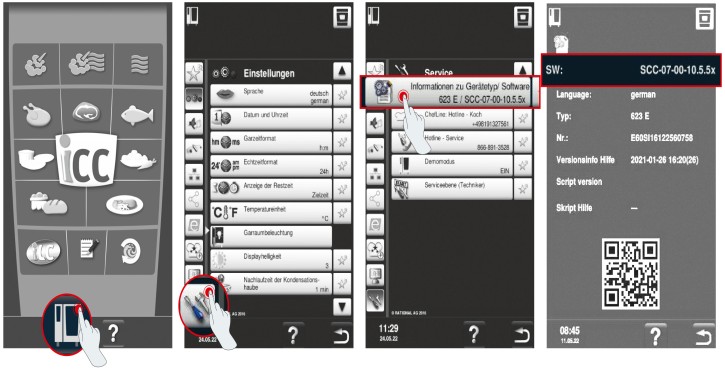
How can I find out which software version is installed on my SelfCookingCenter/VarioCookingCenter?
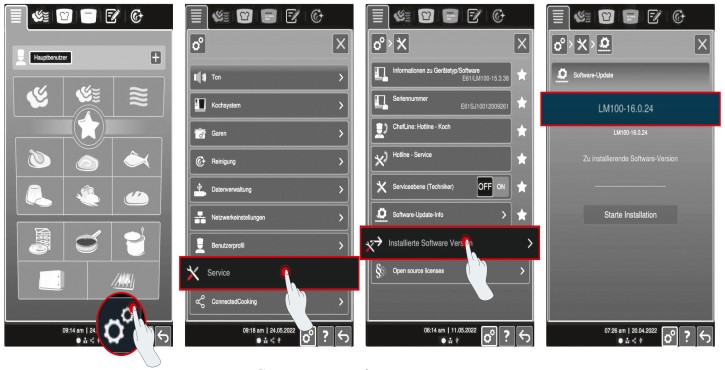
How can I find out which software version is installed on my iCombi Pro/iVario?
When will new updates be available?
The software updates are made available to the app at the same time as the ConnectedCooking updates. The release of new versions of the software takes place at irregular intervals and cannot be predicted.
ConnectedCooking.
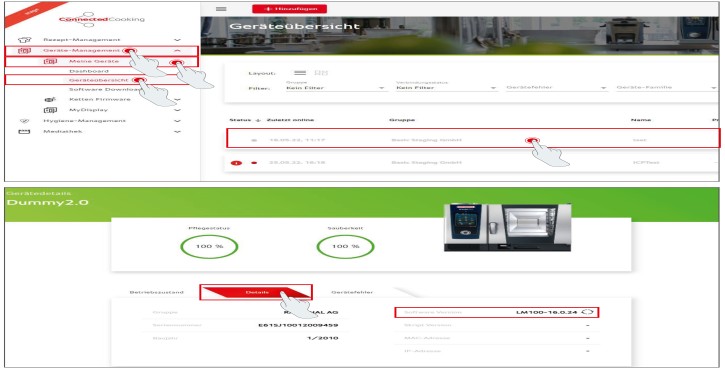
How do I know which software version I have installed in ConnectedCooking?
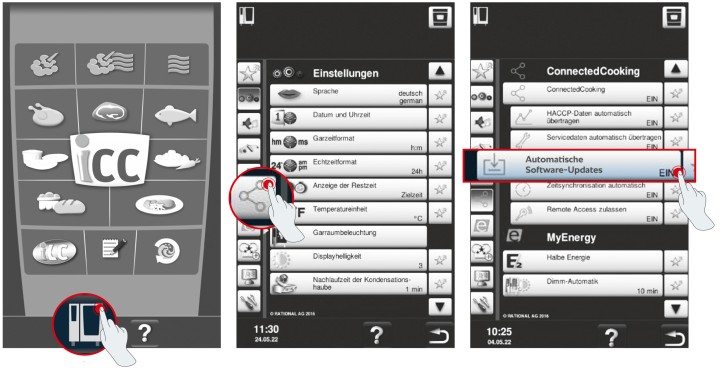
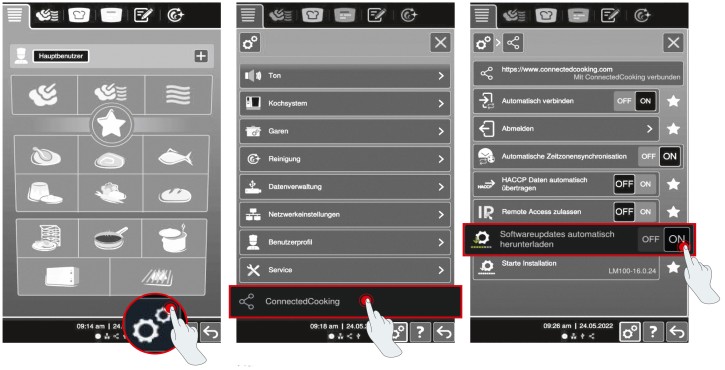
How do I activate the automatic software update with ConnectedCooking for future updates on my SelfCooking Centre/VarioCooking Centre?
How do I activate the automatic software update with ConnectedCooking for future updates on my iCombi Pro/iVario?
App: RATIONAL Updater.
For which operating systems is the RATIONAL Updater application suitable?
The app supports both iOS (from version 13) and Android devices from version 7 (Nougat).
What cooking systems and software versions can I update with the app?
The RATIONAL Updater app works for all iCombi Pro and iHexagon models with software version LM100-17.0.26 or higher and for iVario models (except iVario 2-XS without WLAN) with software version LMX-2.13.8 or higher. The RATIONAL Updater app is not compatible with iCombi Classic cooking systems, SelfCookingCenters and VarioCookingCenters.
How long does it take to download the software in the RATIONAL Updater to the smartphone?
A total of approximately 2.5 GB of data will be downloaded. Depending on your internet speed (WLAN, 5G, etc.), the download may take between 5 and 15 minutes. The download will continue in the background but may take longer, so it is best to keep the app running in the foreground.
How long does it take to transfer the software from the smartphone to the cooking system?
The data transfer usually takes 3 to 5 minutes, depending on the size of the files being updated. Keep the app in the foreground to ensure optimal transfer.
When will new updates be available?
The software updates are made available to the app at the same time as the ConnectedCooking updates. The release of new versions of the software takes place at irregular intervals and cannot be predicted.
Does my RATIONAL cooking system need to be connected to the Internet to update the software?
No. All you need is a working Internet connection to download the software package to your smartphone (due to the data volume of up to 2GB, we recommend a WiFi connection). A wireless connection is established between your cooking system and your smartphone for the transfer (see How-to PDF). No Internet connection is required for this.
The transfer of the software package was cancelled. What should I do?
If an error occurs during the transfer, try the following:
- Make sure the mobile phone is unlocked, the app is in the foreground and the phone is as close to the cooking system as possible. Any distance between the cooking systems or the use of other apps during the transfer may cause malfunctions or even interrupt the process.
- If an error occurs, try to restart the transfer and follow all the previous points. The cooking system remembers which packages it has already successfully downloaded, so the rest of the transfer runs efficiently.
- If the tranmission fails repeatedly, close the app and try again. You may want to consider resetting the app (menu item “More“ > “Reset app“) if the transfer still does not work after restarting the app.
I don‘t see the transfer status in the app. Why?
This function is only available from cooking system software version LM100-17.3.14 (iCombi Pro) or LMX-2.16.16 (iVario). This has been available since 07/10/2024. As soon as your cooking system has been updated to this or a higher software version, the transfer status will become visible.
Can I update several cooking systems at the same time?
No, unfortunately, that is not possible.
If you have any further questions, please contact your RATIONAL contact or our ConnectedCooking support: cc-support@rational-online.com.