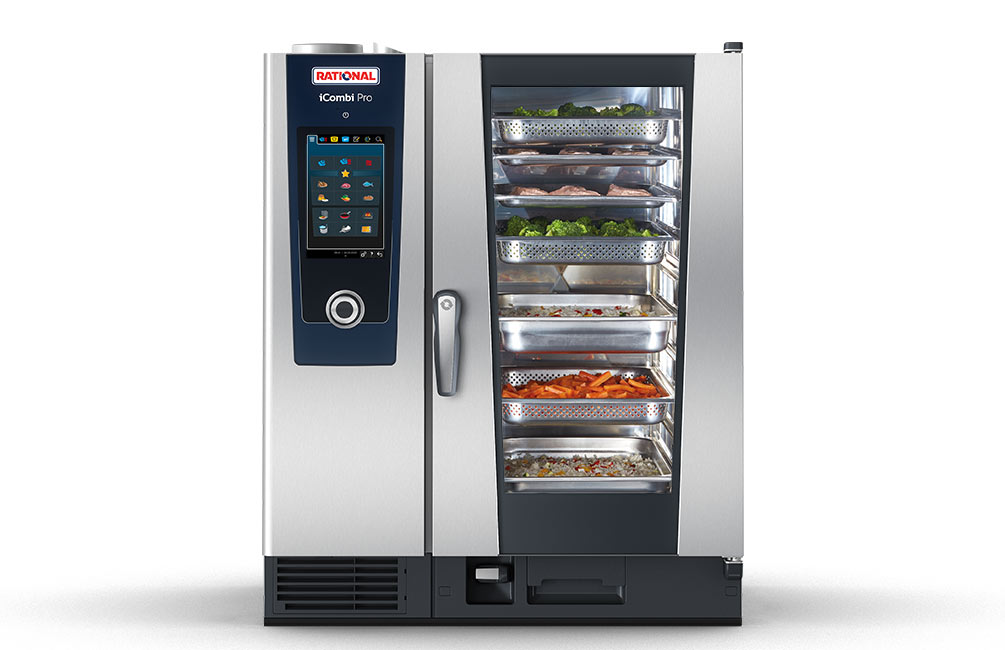
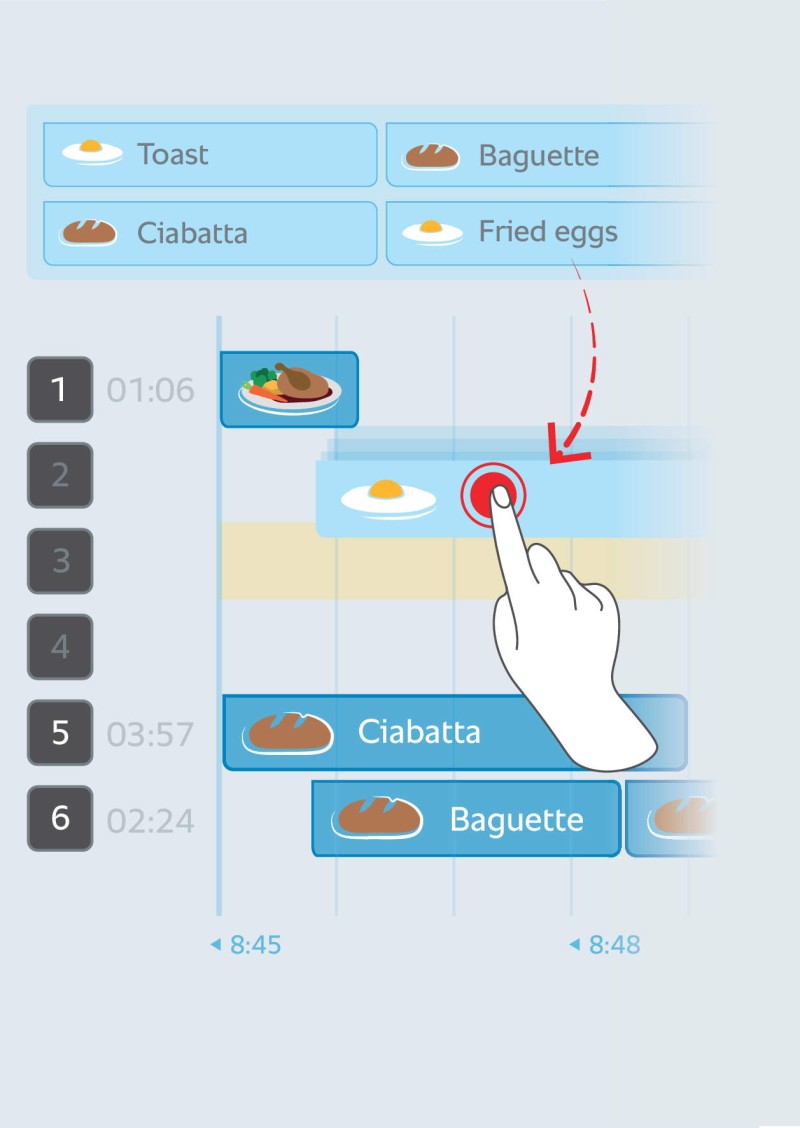
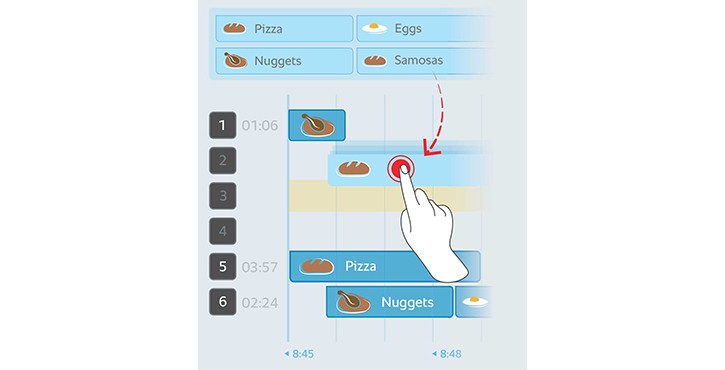
When you’re preparing different products in a single load, iProductionManager monitors individual levels automatically and notifies you when each dish is finished. It doesn’t matter how much you’re preparing at once, or how often you leave the door open for how long - iProductionManager corrects cooking times automatically. And whenever it’s time for you to do something, the iCombi Pro lets you know by illuminating the tray that requires your attention.
Shopping carts.
One-tap production.
With the iCombi Pro, you can prepare food with reproducible quality. With little effort, with staff with varying levels of experience. It uses preset “shopping carts” to determine which of your dishes can be cooked together. When you’re ready to produce, pick the shopping cart you need (“Snacks”, for example), tap the display, assign dishes to different levels, load the iCombi Pro and you’re all set.
MyDisplay.
Picture-perfect results.
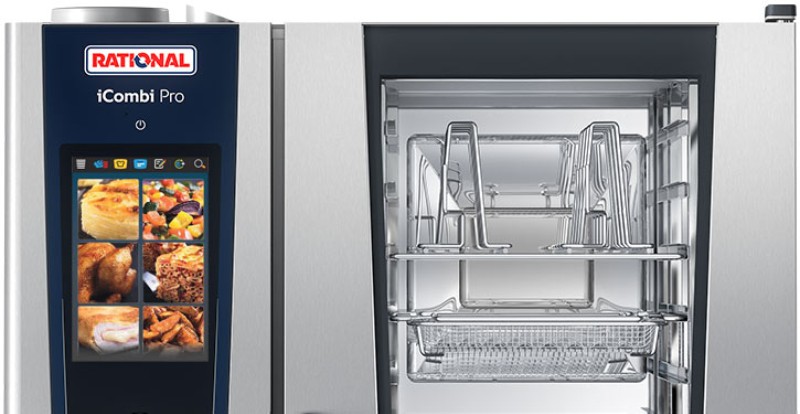
Fewer operating errors, uniform quality standards with MyDisplay: Choose the dishes you want shown on the display as images or icons. Just tap them, and the iCombi Pro will get to work.
You can add or delete recipes just as easily.

The pan-frying function.
The easy path to greater variety.
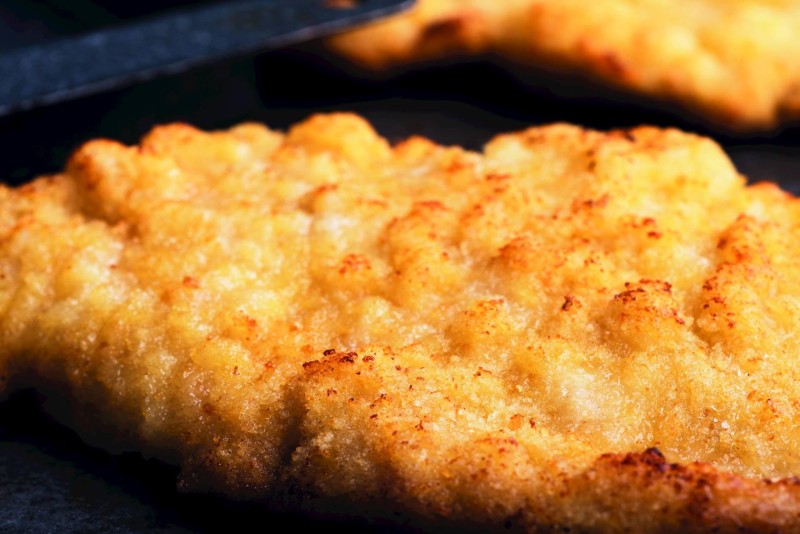
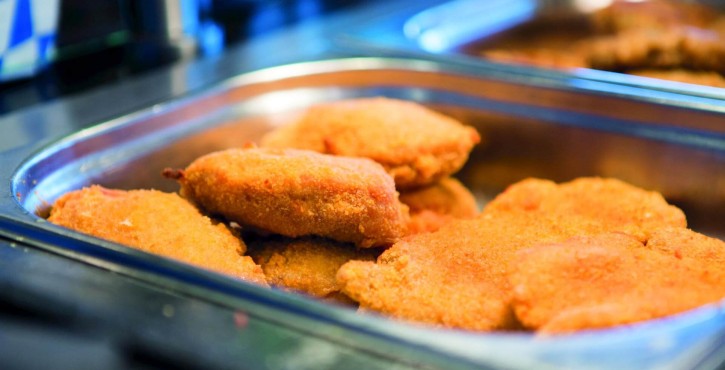
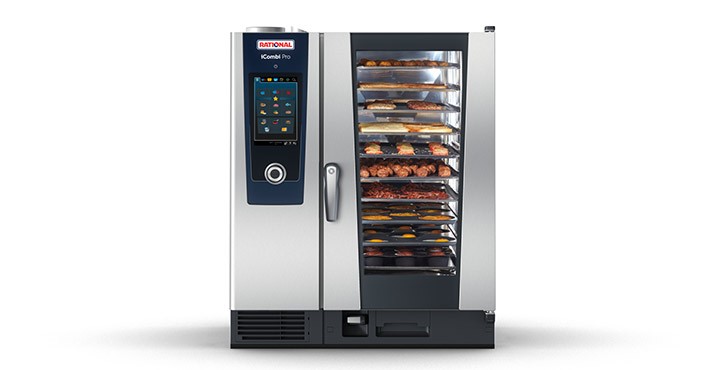
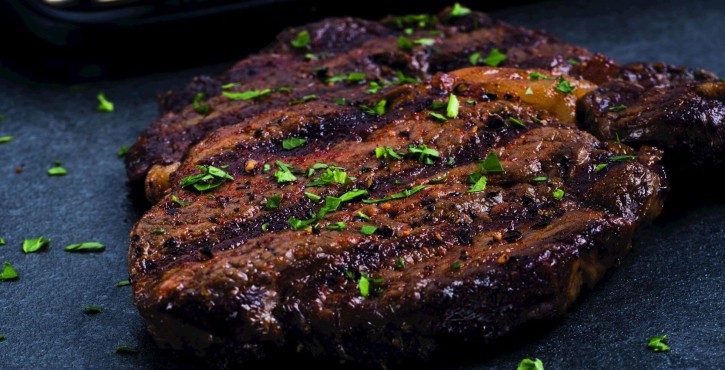
Partial loads, full loads, mixed loads. Cutlets, medallions, fillets, fish, poultry. Large pieces or small. Rare, medium or well done. The Pan-Fry function lets you do them all, tailored to your desired results. Just set the level of doneness and browning you’re looking for, and the iCombi Pro will take care of the rest. Once the unit has finished heating up automatically, simply place the raw food onto appropriate trays and load it into the cooking cabinet. The products will be seared properly, closing the pores immediately, because the system always has plenty of reserve power.
Your food will be browned just right on the outside, juicy on the inside - it’ll taste fresh from the pan, and you won’t even have to turn it.